Self-hostedLocal-firstColor e-paper

A living picture frame that knows your home.

Hearth gathers the weather, your day's tasks and plans, the moon, the season and a little art into one quiet display — made for a color e-paper frame on the wall, and just as at home in a browser.

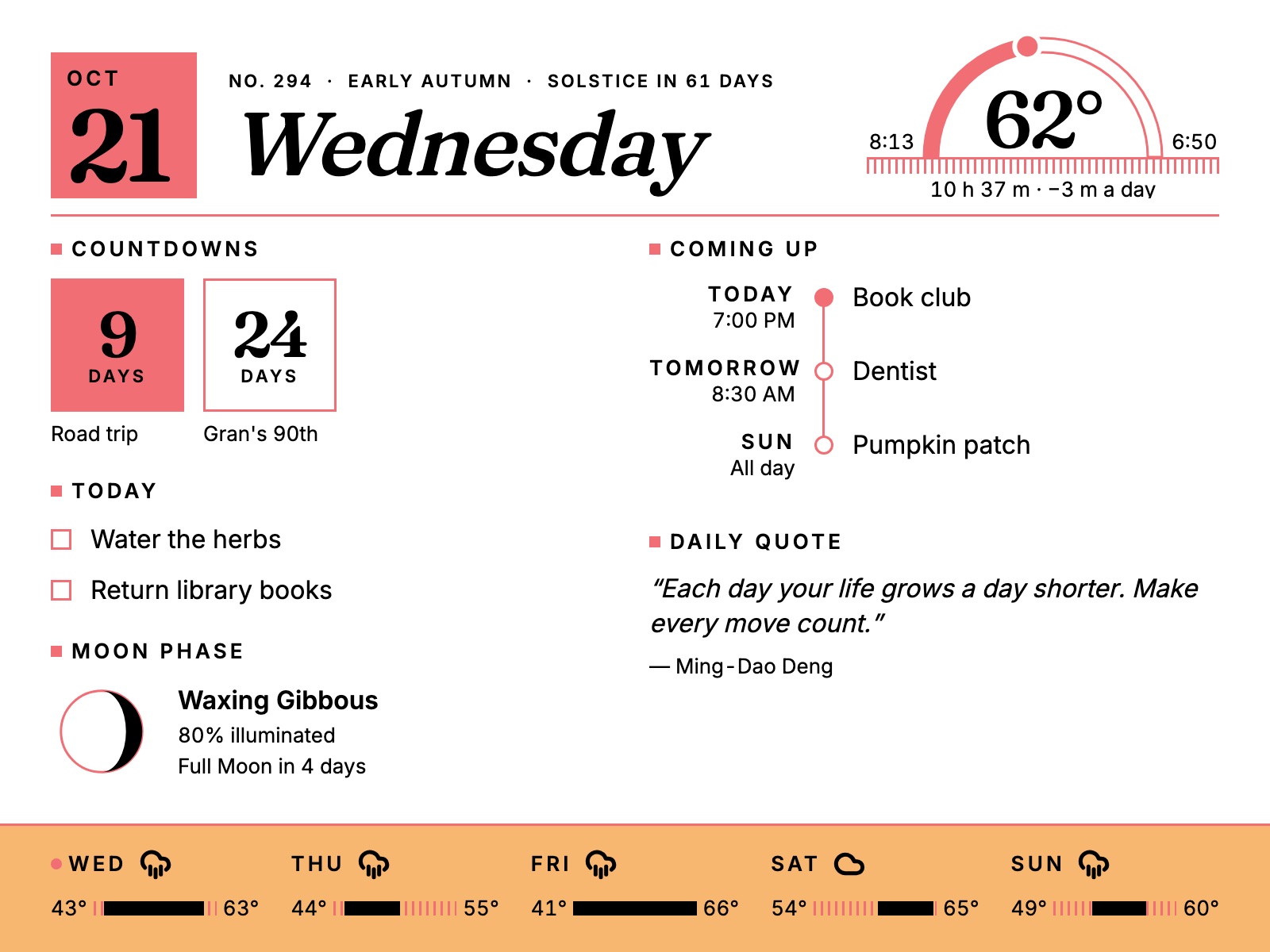
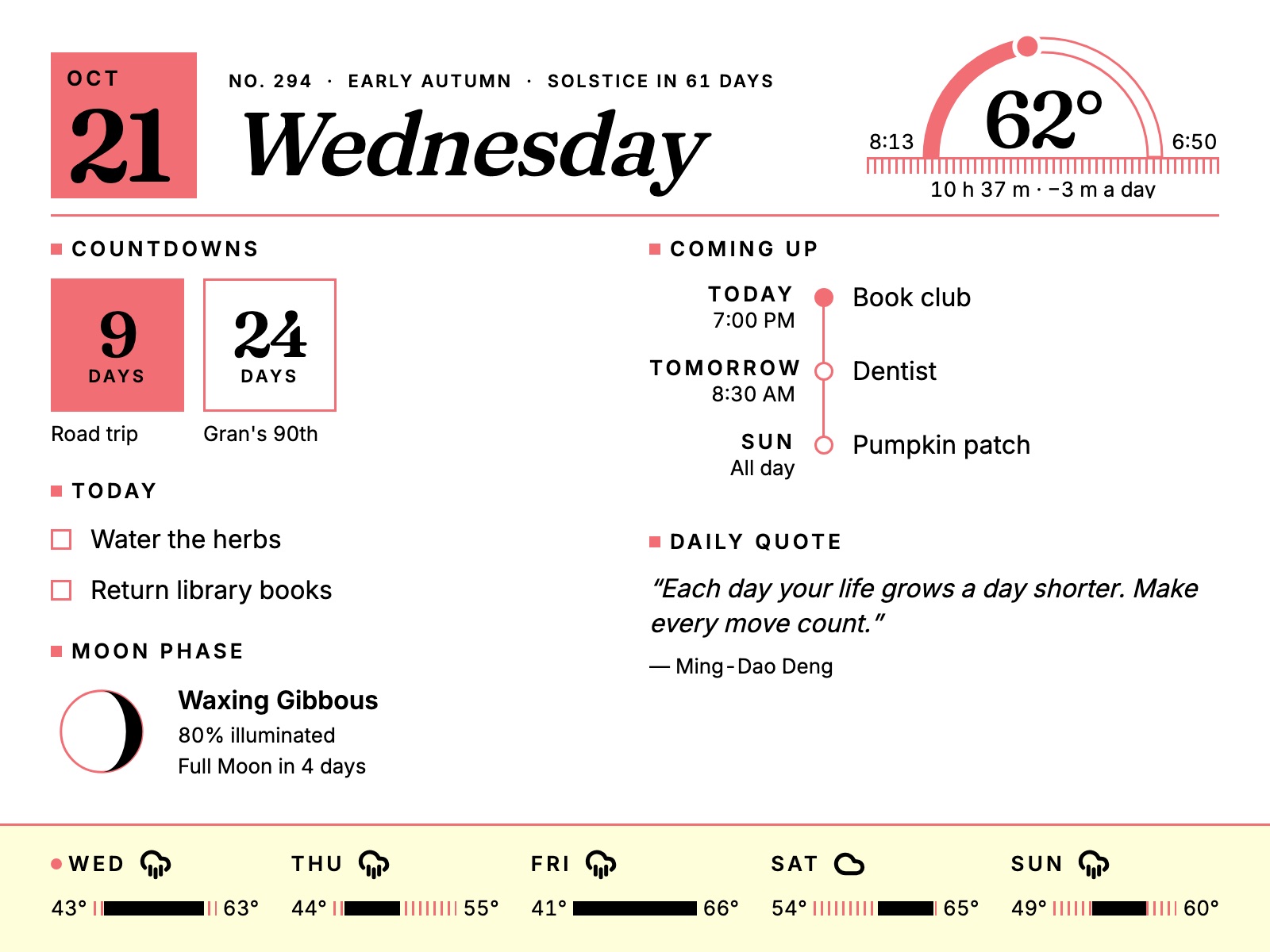
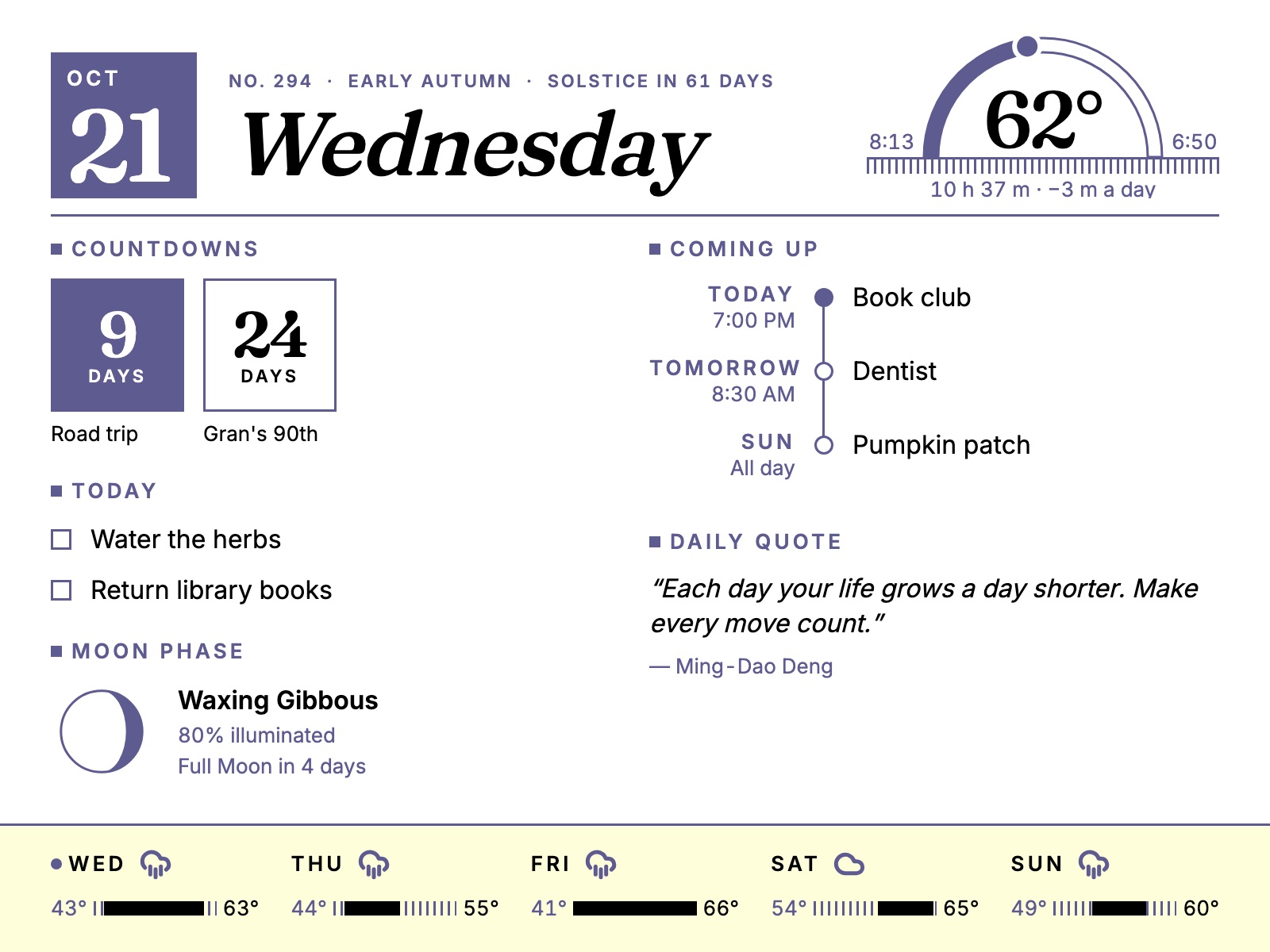
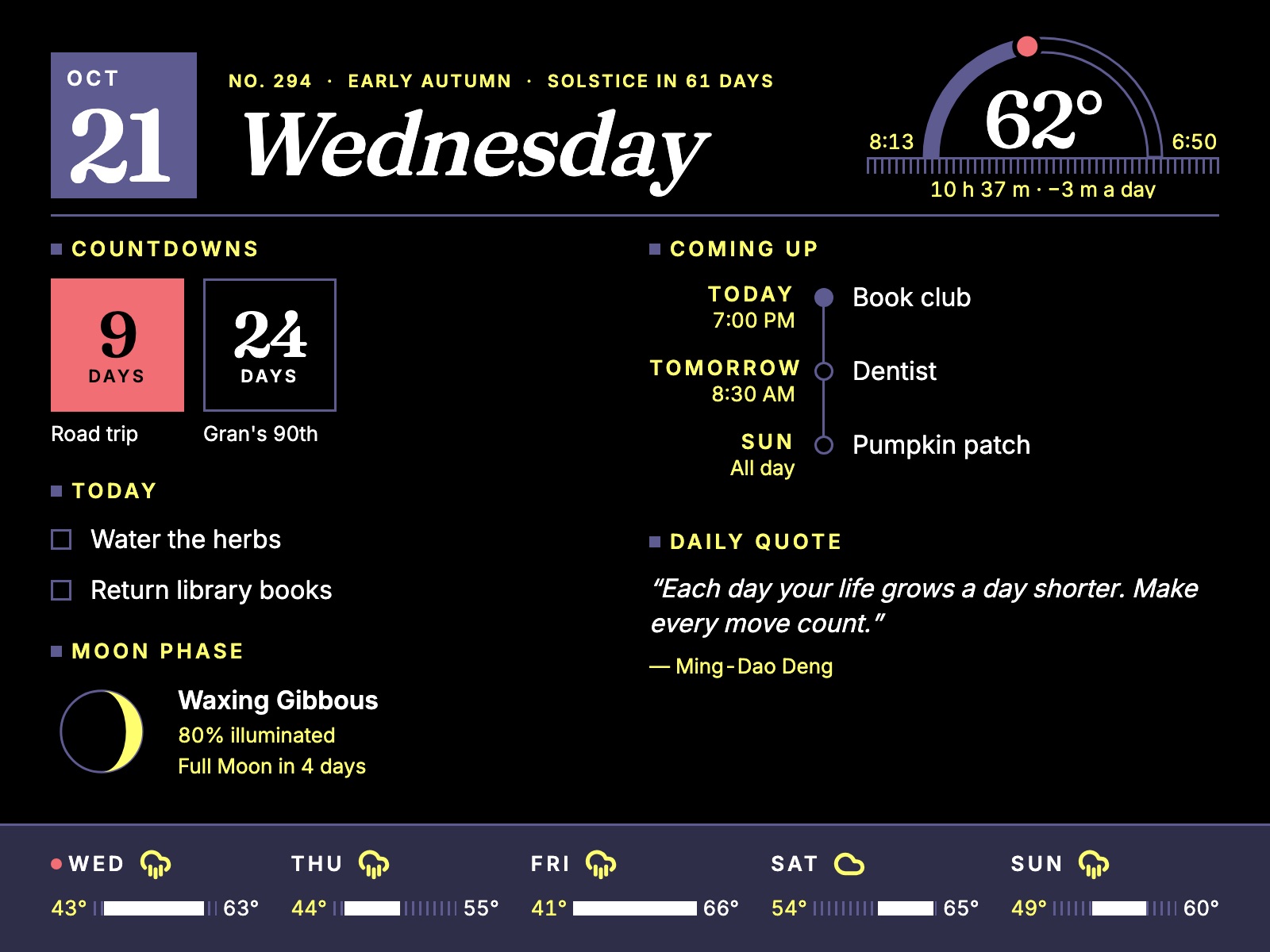
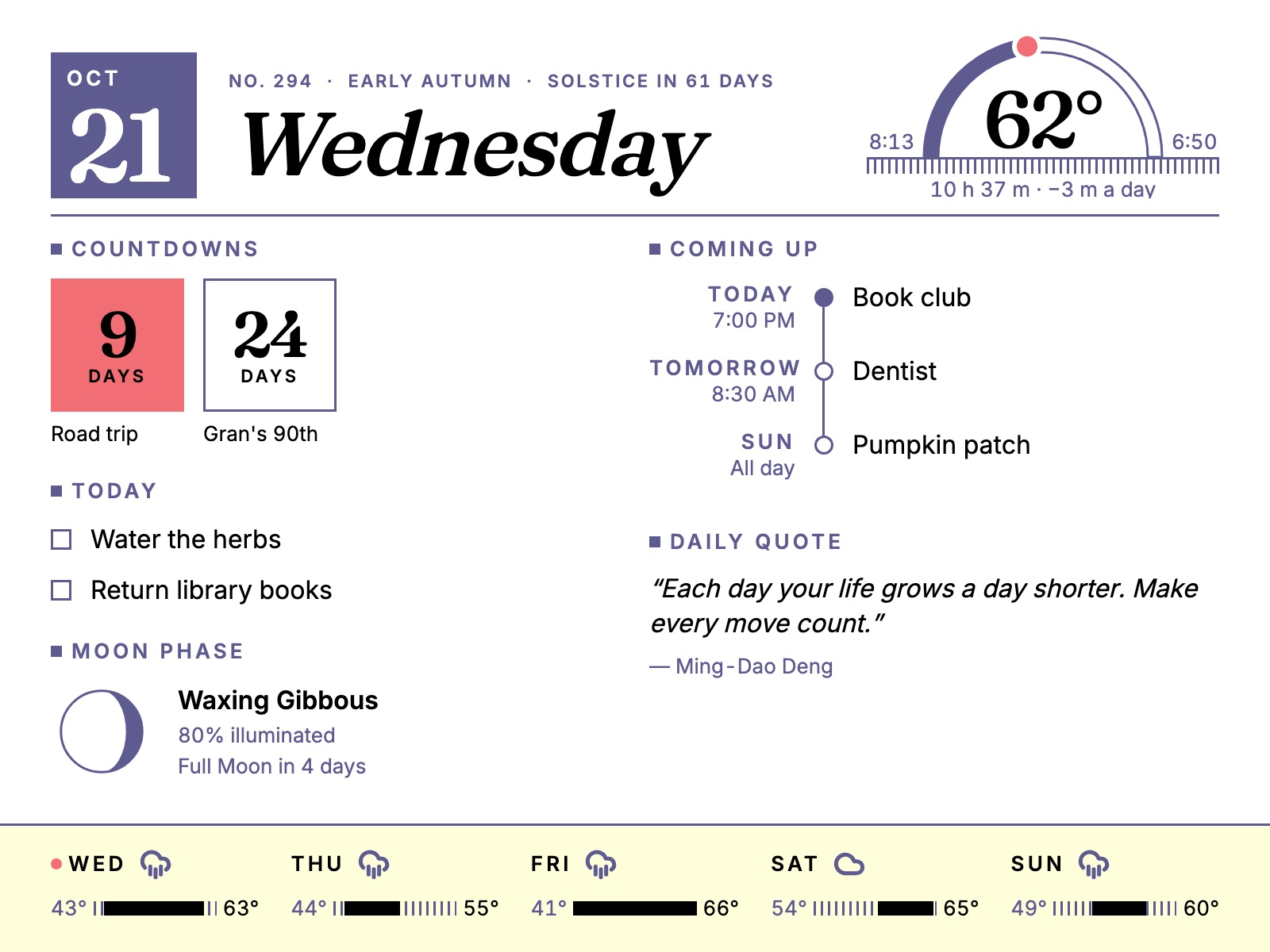
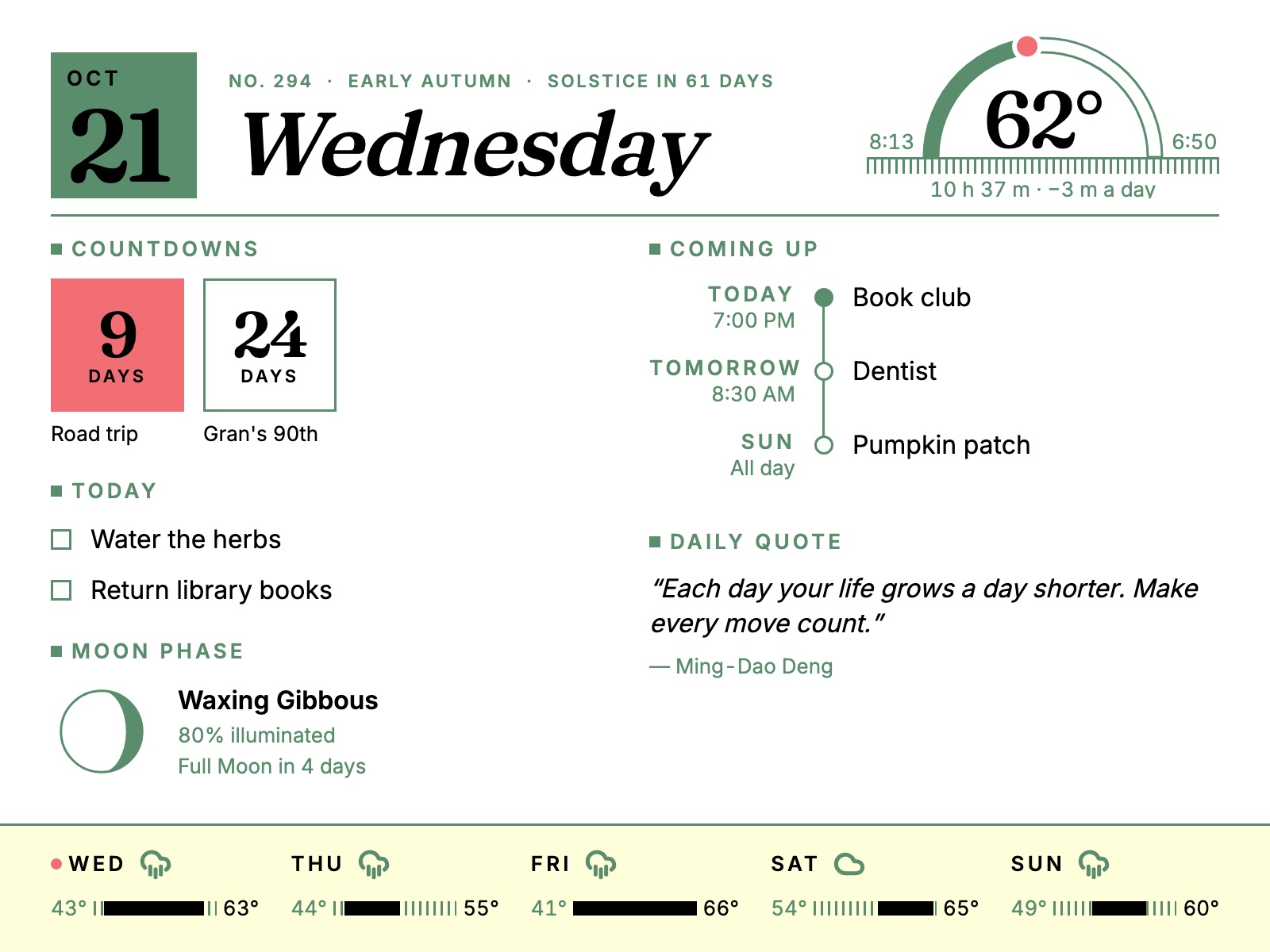
Hearth's Daily layout on the e-paper frame: a large date and weekday masthead, today's temperature on a sun-path arc, countdowns, today's tasks, upcoming events, the moon phase, a daily quote and a five-day forecast.
The Daily layout at the panel's native 1600 × 1200, as rendered by Hearth's frame page.
The idea

Most home dashboards are control panels. Hearth is designed to recede.

Like a fireplace, it's always on and always present, but it earns its place in the room by being calm and good to look at — not by asking for your attention.

1

Paper, not a screen

E-paper reflects light instead of emitting it. No glow in a dark room, no power draw to hold an image — it looks like a print hanging on the wall.

2

Snapshots, not feeds

The frame is designed for a few deliberate refreshes, not a live feed, so it shows only things that stay true in between — no ticking clocks, live departures or now-playing.

3

Yours, at home

Everything runs on a box on your own network and stores its state there. Weather, calendar and music hookups are optional extras, not requirements.

On the wall

Two ways to be in the room.

The frame alternates between a full-bleed picture and a structured morning edition — Ambient by default, Daily when you want the day laid out.

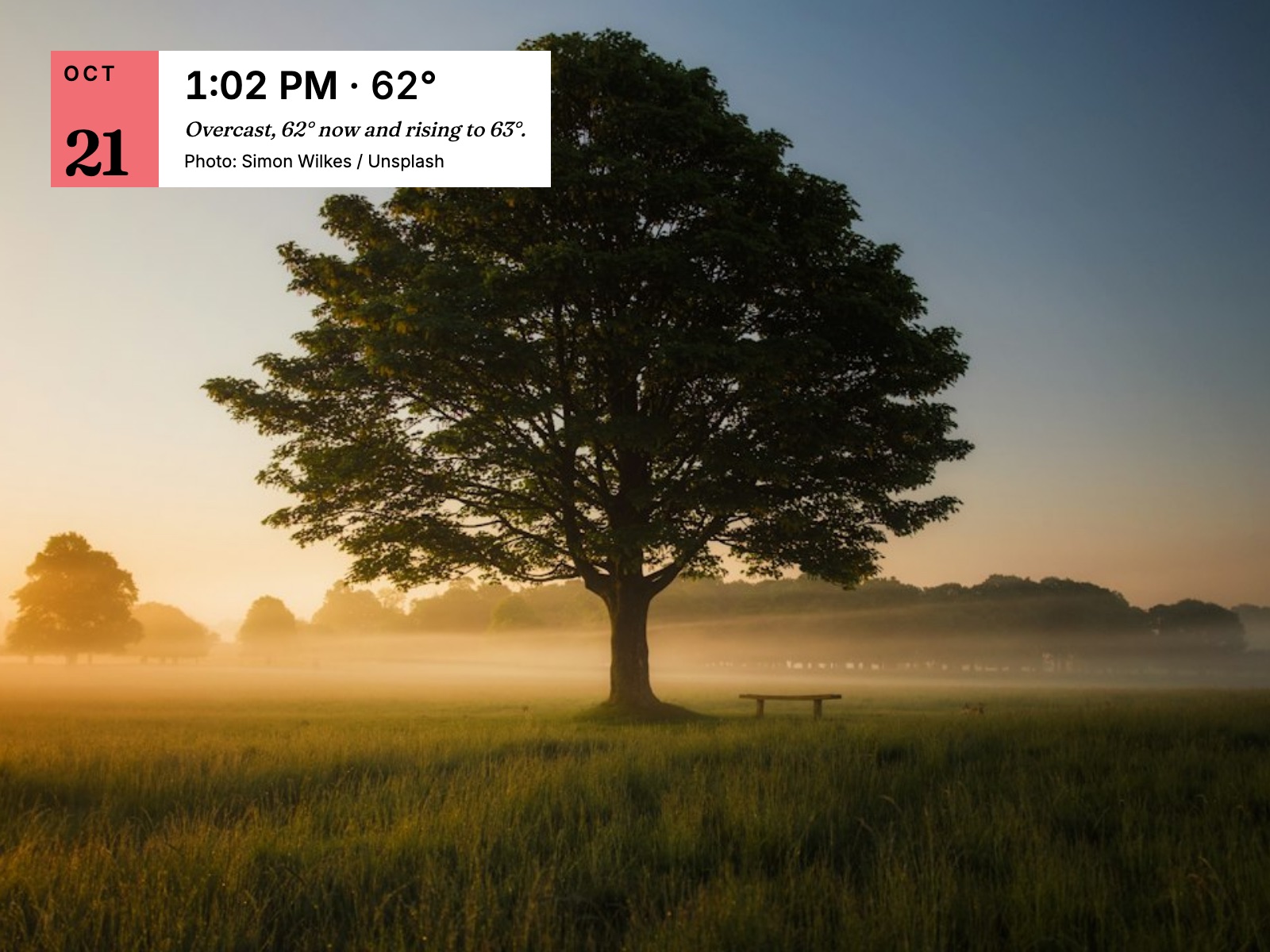
Ambient mode: a misty meadow with a single large tree at sunrise, with a small card in the corner showing the date, time, temperature and photo credit.
Ambient · the default

The art is the display.

A full-frame photograph — from Unsplash by season and category, or your own uploads — with a small card in one corner: the date, the temperature, a line about the weather, and credit for the photographer. Information stays peripheral.
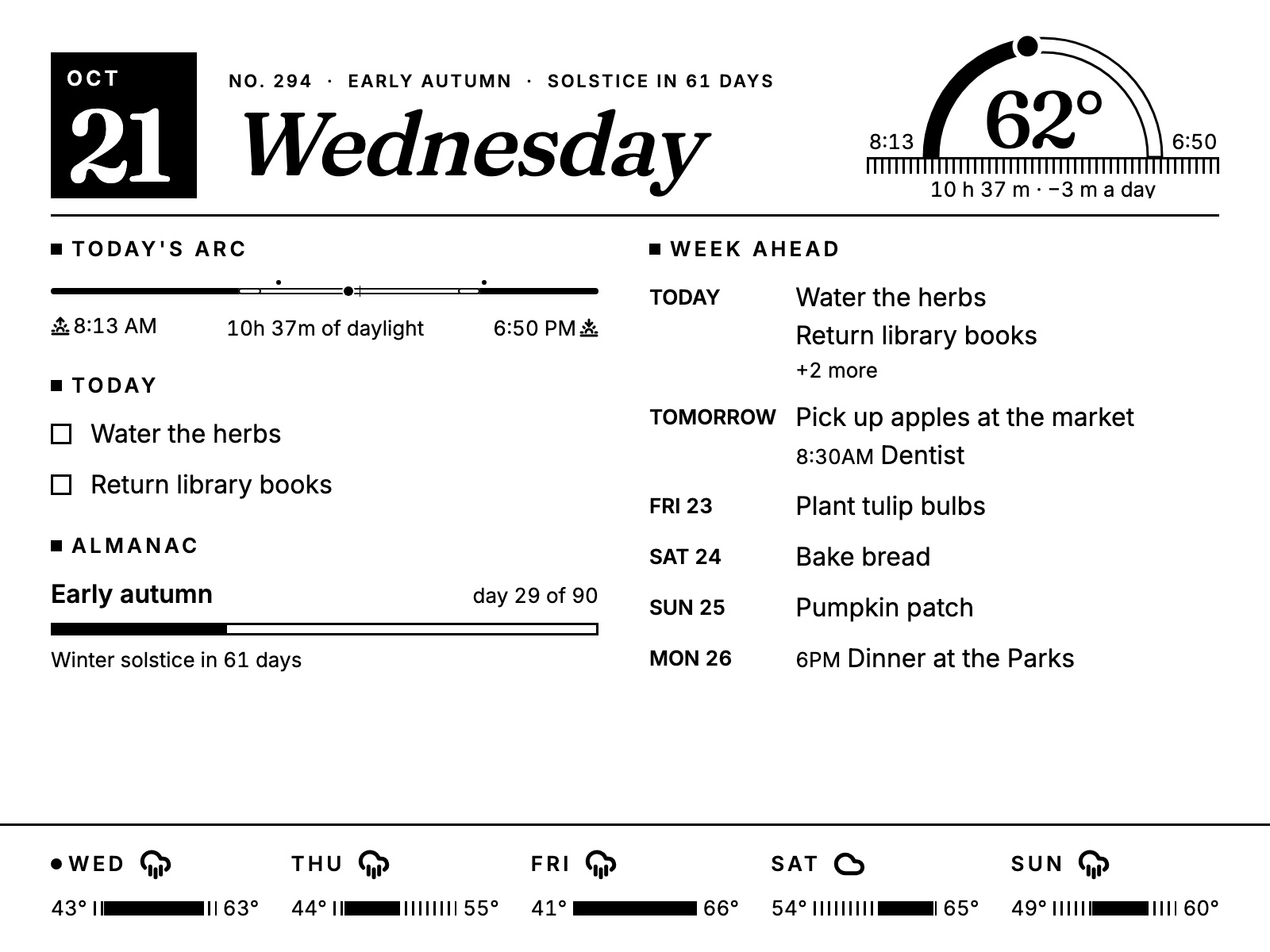
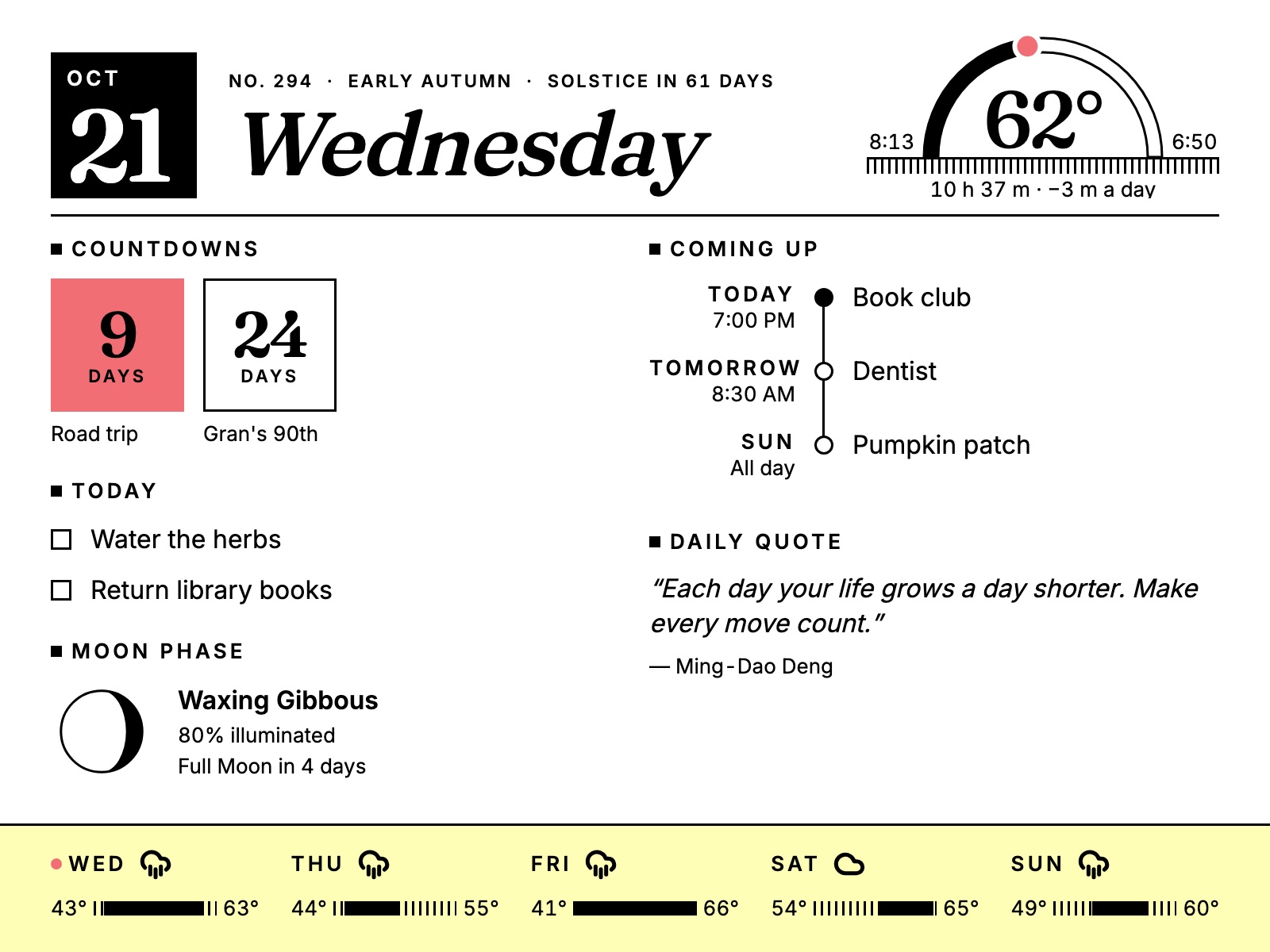
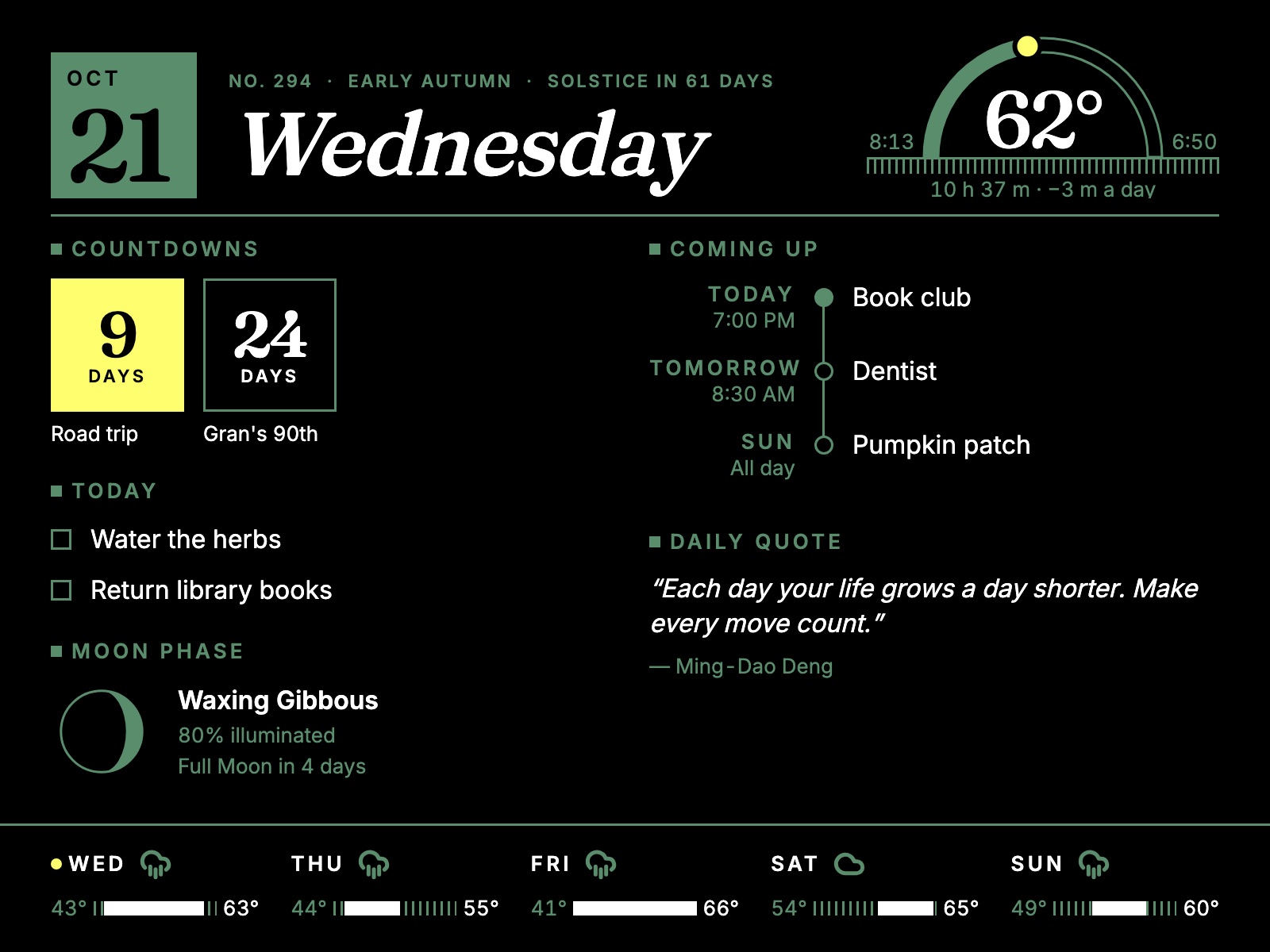
Daily mode in black and white: a newspaper-style masthead, today's daylight arc, tasks, the almanac and a week-ahead list, above a five-day forecast.
Daily · the morning edition

A morning edition for your household.

A masthead with the date, season and today's sun path; two columns of widgets you arrange yourself; a five-day forecast along the bottom. Type sized to read from across the room — in full color, or a crisp black-and-white broadsheet.

Frame themes

Thirteen palettes, mixed from six inks.

The Spectra 6 panel prints with black, white, red, yellow, blue and green. Every frame theme is built only from those measured inks and a few approved two-ink mixes, so what you pick on screen is what the panel can actually show.

Also: Gallery, Harbor, Postbox, Ember and Lantern; a black-and-white mode for every theme; nine typefaces; and a portrait layout for a frame hung on its side.

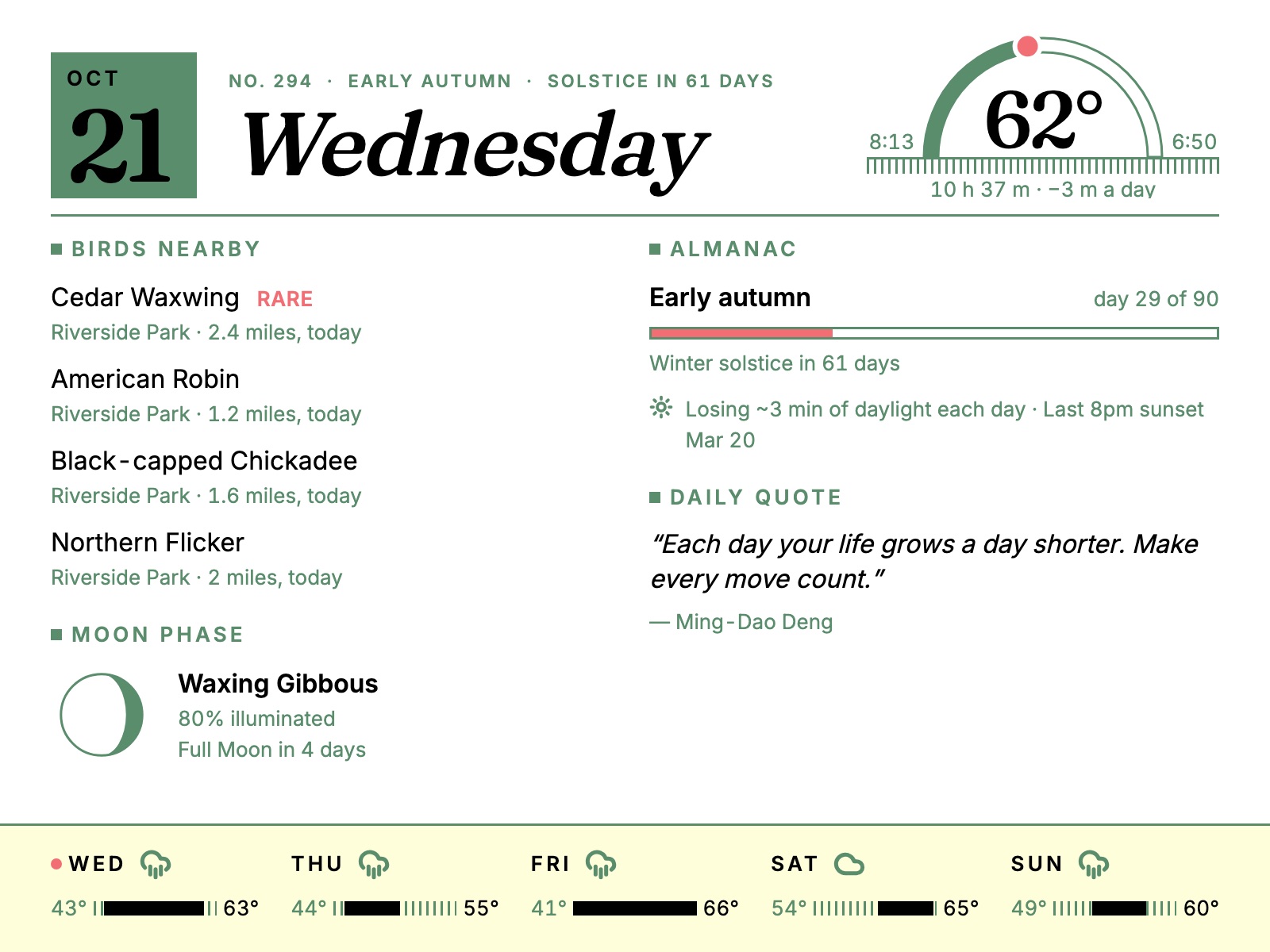
The Garden theme with a different layout: birds seen nearby and the moon phase on the left, the almanac and a daily quote on the right.
Your layout

Pick what's worth a glance.

Arrange the Daily columns with the same drag-and-drop editor the web dashboard uses: Today's Arc, Today, Coming Up, Week Ahead, Countdowns, Almanac, Moon Phase, Daily Quote and Birds Nearby.

Each widget trims itself to the space it's given, so a short column stays tidy and a long one fills in — no overflowing lists, no tiny print.

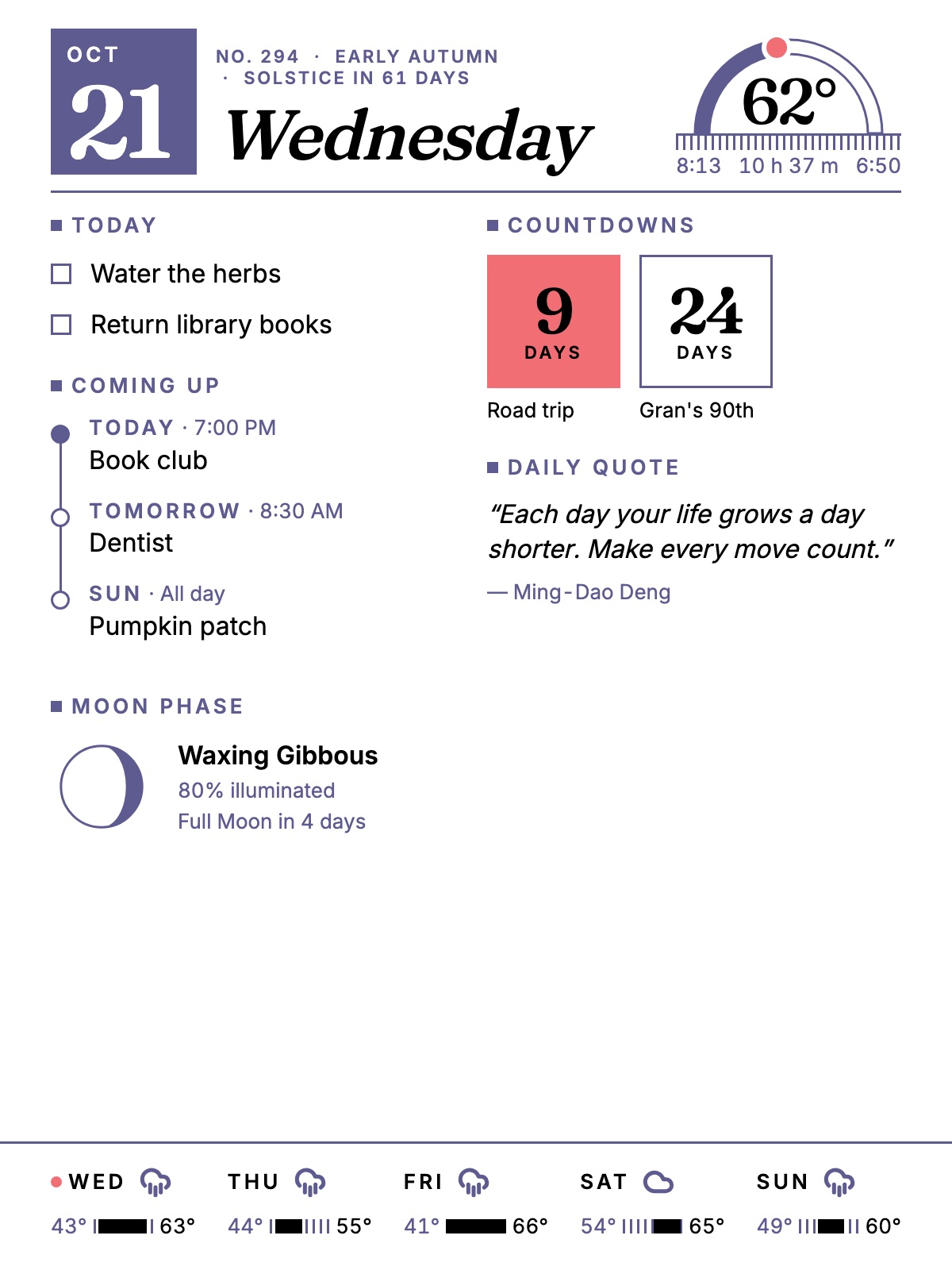
The Daily layout in portrait orientation.
Any wall

Landscape or portrait.

Hang the frame whichever way suits the wall. The Daily layout reflows for a tall panel instead of just shrinking.

In the browser

The same home, on every screen.

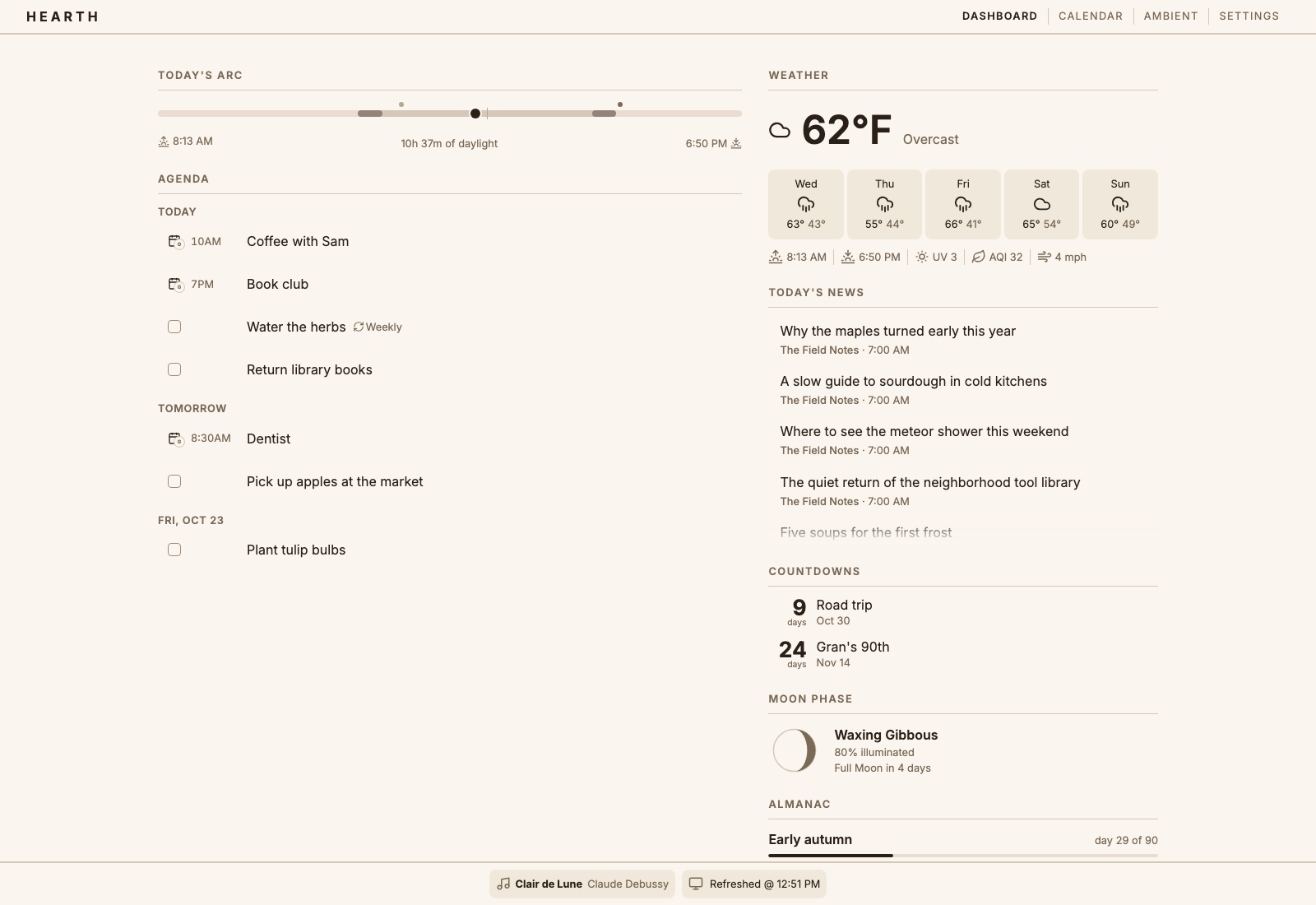
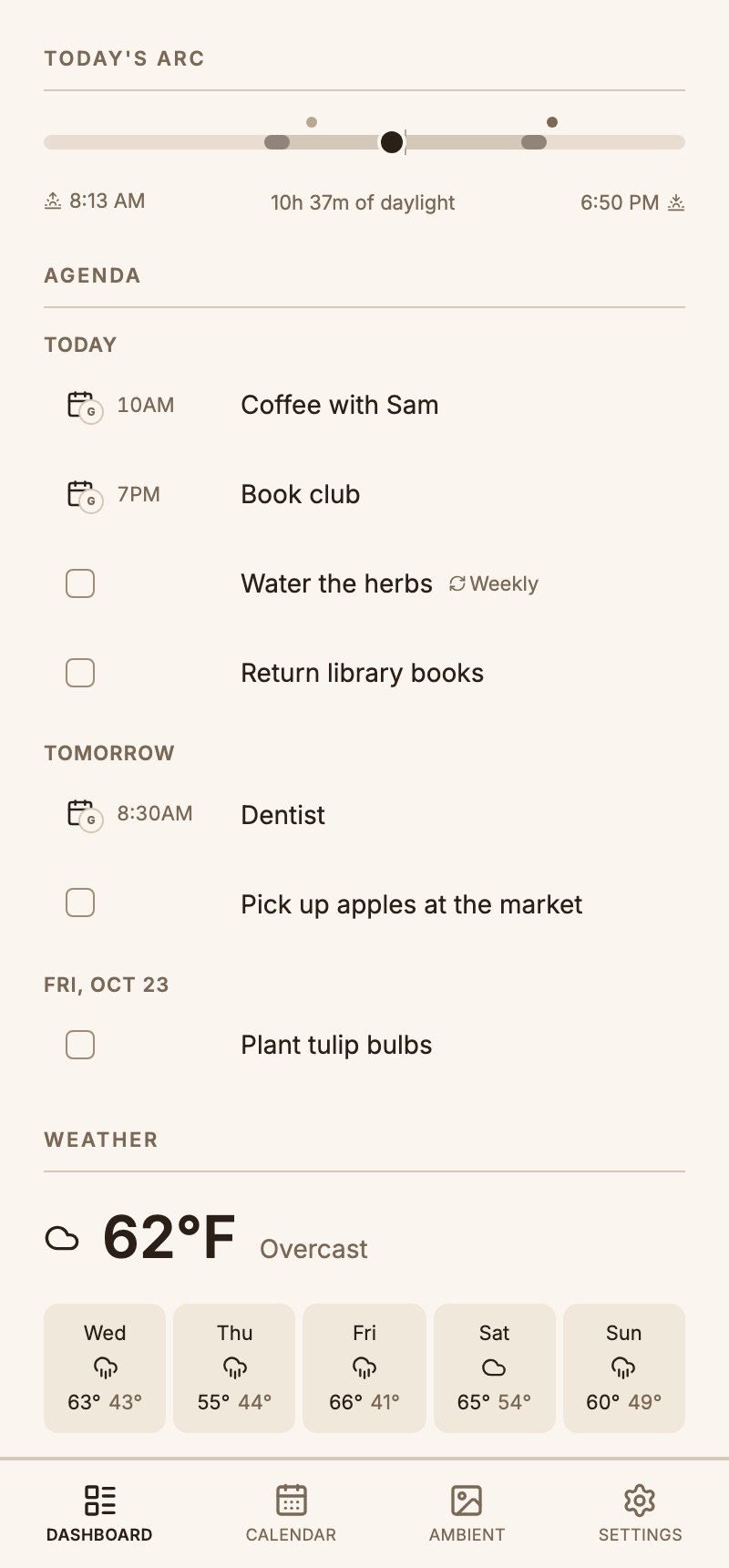
The web dashboard is where you add tasks, set up integrations and arrange the frame — and it makes a fine always-on display for a spare tablet, too.

The Hearth web dashboard in the light Linen theme: today's arc and an agenda on the left; weather, news, countdowns, moon phase and almanac on the right.
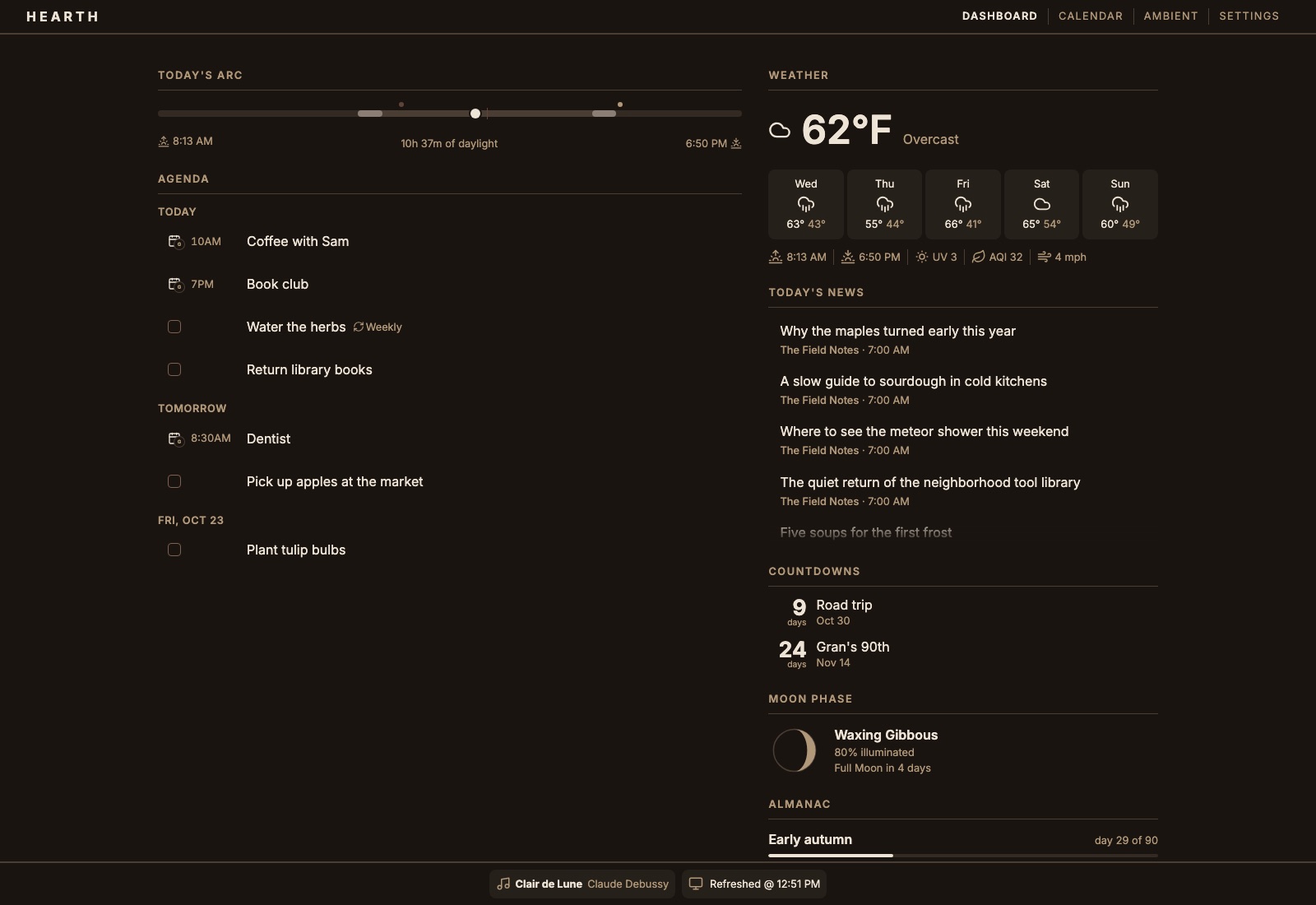
The Hearth web dashboard in the dark Stone theme.
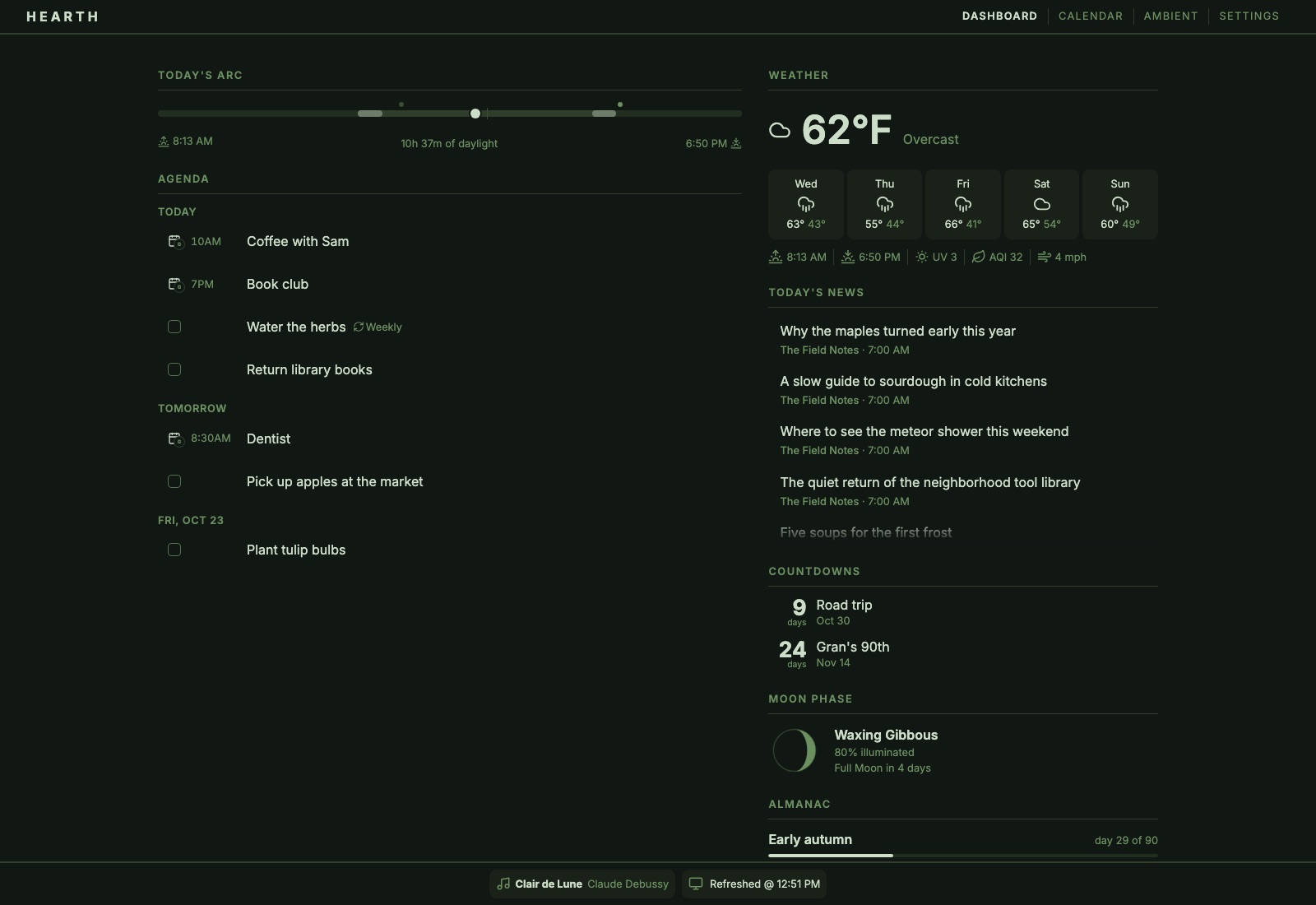
The Hearth web dashboard in the dark green Forest theme.
18color themes, light and dark
9typefaces, with a size slider
13e-paper frame palettes
0cloud accounts required
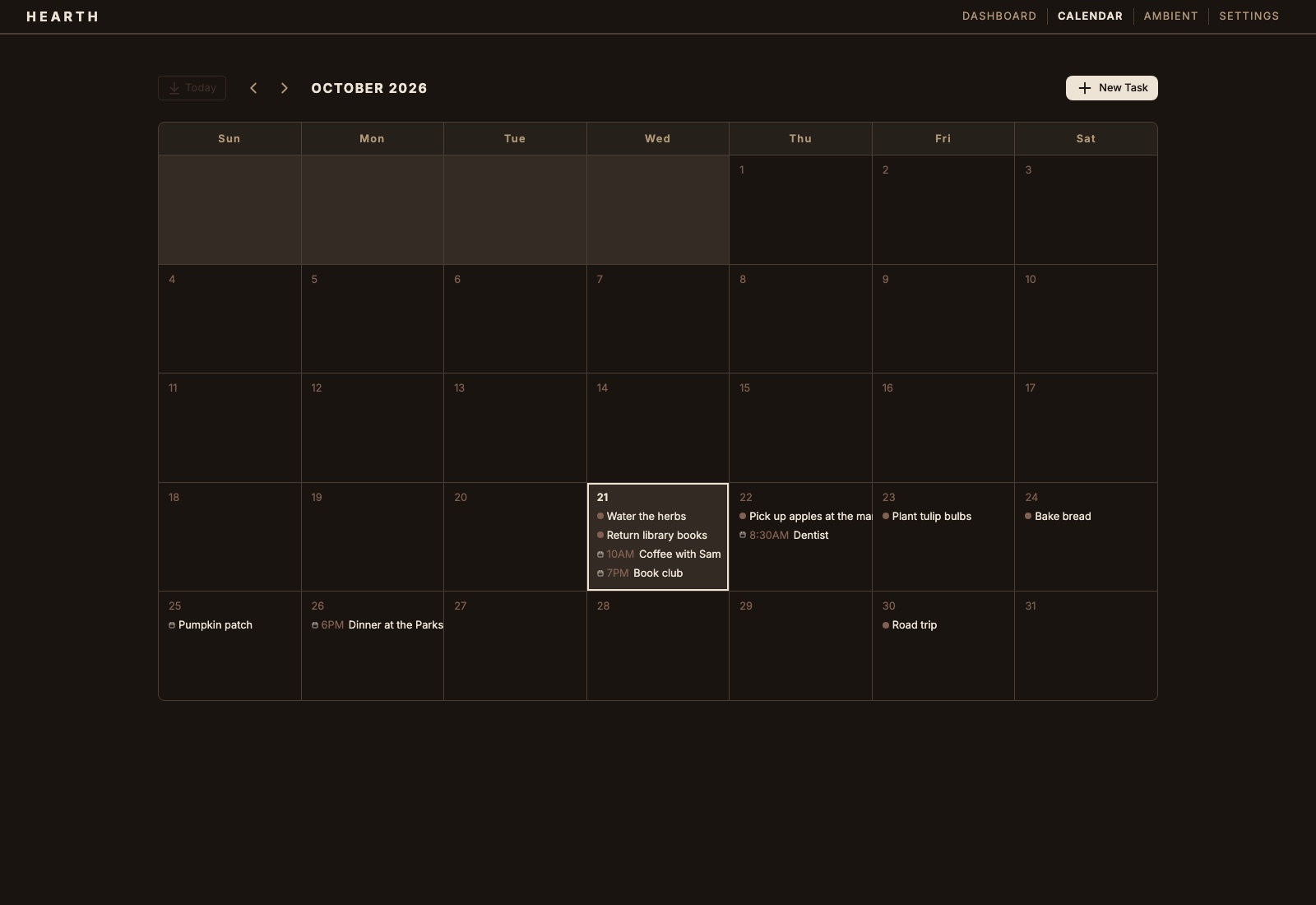
The month calendar view, showing Hearth tasks alongside Google Calendar events.
Calendar

Tasks and plans in one place.

Hearth keeps its own tasks — one-offs, repeating chores, countdowns to the dates you're looking forward to — and lays them out next to your Google Calendar events.

Tick something off on your phone and every screen in the house agrees.

The dashboard on a phone, with a bottom tab bar.
Phone

The frame's remote control.

On a phone the dashboard becomes a single column with a tab bar — the quickest way to add a task, pick a frame theme or check what's coming up.

What it shows

Everything a household glances at.

Widgets marked Frame also appear on the e-paper frame. The rest change too often to be right between refreshes, so they stay on screens.

Agenda & Today Frame

Tasks due today and what's next on the calendar.

Week Ahead Frame

Events and tasks for the next seven days.

Countdowns Frame

Days until the dates you're looking forward to.

Weather Frame

Current conditions and a five-day forecast.

Today's Arc Frame

Daylight, golden hours and today's events as one ribbon.

Almanac Frame

Season progress, the daylight trend, frost dates and seasonal notes.

Moon Phase Frame

Tonight's moon and the next major phase.

Daily Quote Frame

One quote a day.

Birds Nearby Frame

Recent sightings around you, from eBird.

Today's News

The latest from the RSS and Atom feeds you choose.

Trains & Buses

Live departures from the stops you follow, via Transitland.

Now Playing

What's on Spotify, along the bottom of the dashboard.

How it fits together

A thin frame, a capable host.

The frame does almost nothing: fetch a finished picture, show it, listen for a button. Everything else happens on a small server somewhere on your network.

Your phone & browser

Add tasks, connect accounts, choose themes and lay out the frame.

The host

A Raspberry Pi 4/5 or mini PC running Docker Compose: a SvelteKit app and eleven small .NET services behind Caddy, each with its own SQLite file.

  • Tasks
  • Calendar
  • Weather
  • Photos
  • Almanac
  • Birds
  • Quote
  • RSS
  • Trains
  • Spotify
  • Display

The frame

A Raspberry Pi behind a 13.3" Inky Impression color e-paper panel, running inkypull, a small Python client.

Where it stands: the dashboard and the frame layouts are built and run today in any browser, and the inkypull client is written. The host-side step that captures and dithers the frame for the panel is next — nothing has been printed on real e-paper yet. Project status

Make one

Hang a little calm on the wall.

The source is on GitHub. Run it in a browser this afternoon, then put it in a frame when you're ready.